
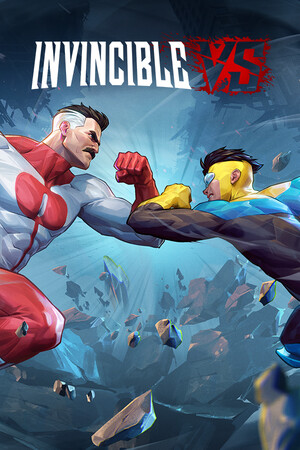
Invincible VS Direct Download
Invincible VS is a brutal superhero 3v3 tag fighting game set in the Invincible universe, where you can battle to the death as a team of fan-favorite characters in iconic locations. Unleash bone-breaking combos through fast combat and smart defensive tactics to leave a trail of blood and destruction. Land vicious Super moves and Ultimates to leave your opponents in a mess of blood. Desynced
Invincible VS features a variety of game modes including a captivating cinematic story mode with an original narrative from a writer of the animated series. Jump into Arcade and battle with your team, hone your combos in Training mode, and test your skills against the world in competitive and casual multiplayer. Show, comic fans, and fighting game lovers will experience unparalleled heroic brutality, where every earth-shattering blow will leave you feeling… Invincible.
Invincible VS SYSTEM REQUIREMENTS
- OS: Windows 10
- Processor: Intel Core i5-9700F / Ryzen 5 2600
- Memory: 16 GB RAM
- Graphics: GeForce RTX 2070 (VRAM 8GB) / Radeon RX 7800 (VRAM 8GB)
- DirectX: Version 12
- Storage: 15 GB available space
Invincible VS GAME INFO
- Genre: Action, Adventure
- Developer: Quarter Up
- Platform: PC
- Game Size: 9.5 GB
- Released By: RUNE emu
- Version: Build 22844029 | Full Version
- Pre-Installed Game
SCREENSHOTS
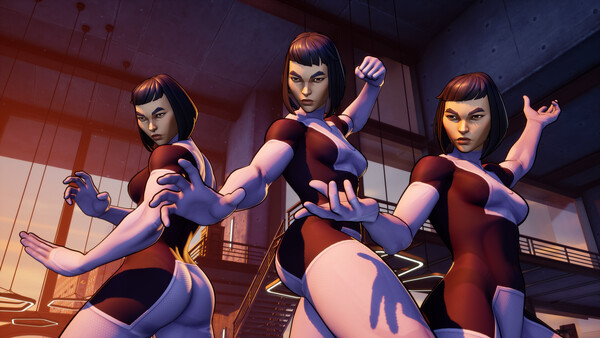
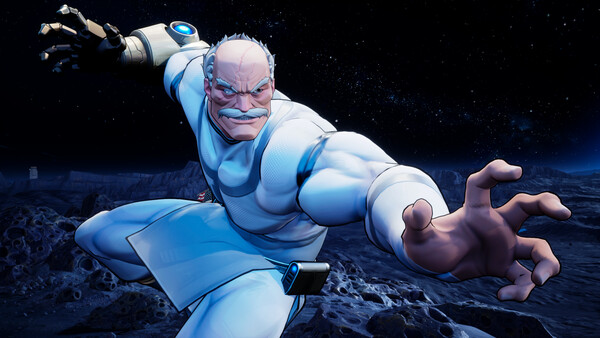
Filekeeper
🛠 Quick Setup Instructions
- Install Required Software: Go to the _Redist or _CommonRedist folder inside the game directory and install necessary components like DirectX and Visual C++ Redistributables.
- Use 7-Zip or WinRAR. for Extraction: If you see a “corrupted file” warning, try re-downloading and extracting the game using 7-Zip.
- Run with Admin Rights: Right-click the game’s .exe file and choose “Run as Administrator” to avoid problems with saving or launching.
💡 Additional Help
- Antivirus Alerts? Some antivirus tools may falsely detect game files—temporarily disable them during extraction.
- Update Graphics Drivers: For smoother gameplay, make sure your NVIDIA or AMD drivers are up to date.
- Having Trouble Launching? Try running the game in compatibility mode or ensure DirectX is properly installed.
- Visual C++ Errors? Some games need updated redistributables. We recommend installing the full All-in-One VC Redist Package.